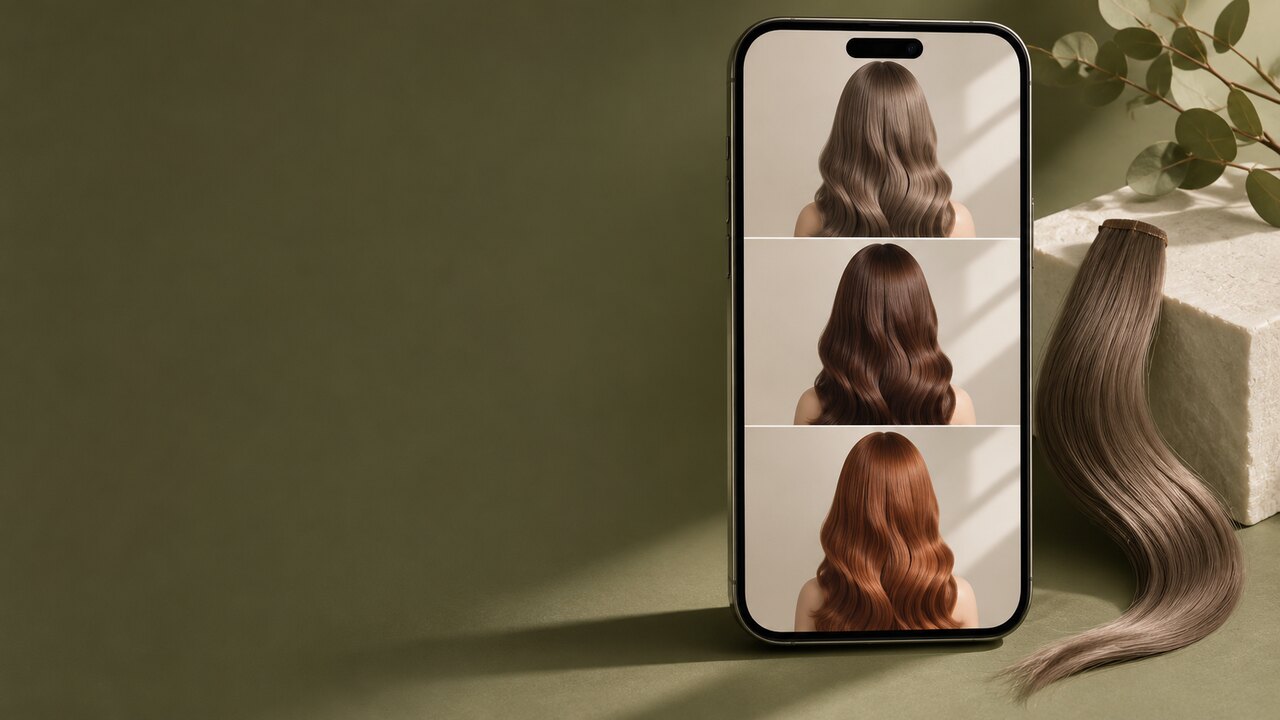
Give each shade a lead image that matches its product option. Keep the shade name readable at thumbnail size. If buyers are choosing between ash brown, chocolate brown and copper brown, add one image that shows all three swatches in the same layout.
Plan the image sequence
Start with a clear image for the selected shade. Use the same crop, hair direction and background across neighboring shades so shoppers can scan the differences in one place. Next, show a finished hairstyle or a close-up of the mid-lengths and ends. Keep any relevant starting-base context with the result image.
Tap through the live listing on a phone
Start on the product grid. Check that the names stay readable in small thumbnails. On the product page, select each shade and verify that the lead image, shade name and gallery references match. The imagery here illustrates layout and hairstyles. Use your approved shade references for production listings.
For a BINNUO private-label listing brief, supply the approved shade names and swatches and map each lead image to its exact product option.
Related guide: How to Read a Professional Hair Color Shade Chart